Why Are My Kindle Highlights Cut Off? The Clipping Limit, Explained
There is no published character count on a single Kindle highlight. But long passages can still get cut off, and when they do, it happens on Amazon's side before the highlight is ever exported.
Two different limits
People mix up two things when they talk about a "highlight limit."
The selection limit is how much text you can drag-select at once. One highlight covers a sentence or a paragraph, not pages. Drag past the edge of the screen and the selection stops. There is no fixed number, but in practice a single highlight tops out around a page.
The clipping limit is the one that actually causes problems. Amazon caps how much of a book you can copy out as text, and the publisher sets that cap, usually around 10% of the book. Every highlight counts against it, so a few long passages use it up faster than many short ones. The constraint is not the length of one highlight. It is how much of the book you have copied in total.
What a cut-off highlight looks like
When you pass the clipping limit, the highlight does not disappear. You still see it in the book and in your notebook. It only breaks when you export or copy it, where the text is replaced with:
<You have reached the clipping limit for this item>
That message is Amazon's. If you import your highlights into Screvi with the Chrome extension or iOS app and a passage arrives blank or showing that line, it was clipped at the source. No app can recover text Amazon refused to export.
This is why "will it get cut off during upload?" is misleading. The upload is fine. The passage was already clipped when Amazon built the export.
Can you get around it?
- Notes and bookmarks do not count. The cap only charges you for copied book text. A note you type yourself is exempt, so if you need one passage word for word, type it into a note. Notes import into Screvi the same as highlights.
- DRM-free books have no limit. Sideloaded EPUB or MOBI files you own carry no cap, and everything lands in
My Clippings.txt. This does not apply to books bought in the Kindle Store. - The old DRM workaround is dead. In early 2025 Amazon removed "Download & Transfer via USB" for new purchases, which ended the Calibre route for most people.
- What does not work: renaming or deleting
My Clippings.txt, or deleting highlights to free up room. The cap lives with the title, not the file. Exporting fromread.amazon.com/notebookenforces the same cap.
In practice
The clipping limit counts the total text you copy from a book, not the size of any single highlight. Splitting one long passage into two highlights does not buy you more room, since both halves still count against the same cap. Two things actually help:
- Be selective. Fewer and shorter highlights leave more of the book's budget for the passages you really want.
- Use notes for must-keep quotes. Notes do not count against the cap, so a passage you cannot afford to lose is safest typed into a note.
Splitting a passage still has a use, just not for the clipping limit. A single highlight only reaches about a page, so anything longer has to be made as two selections regardless.
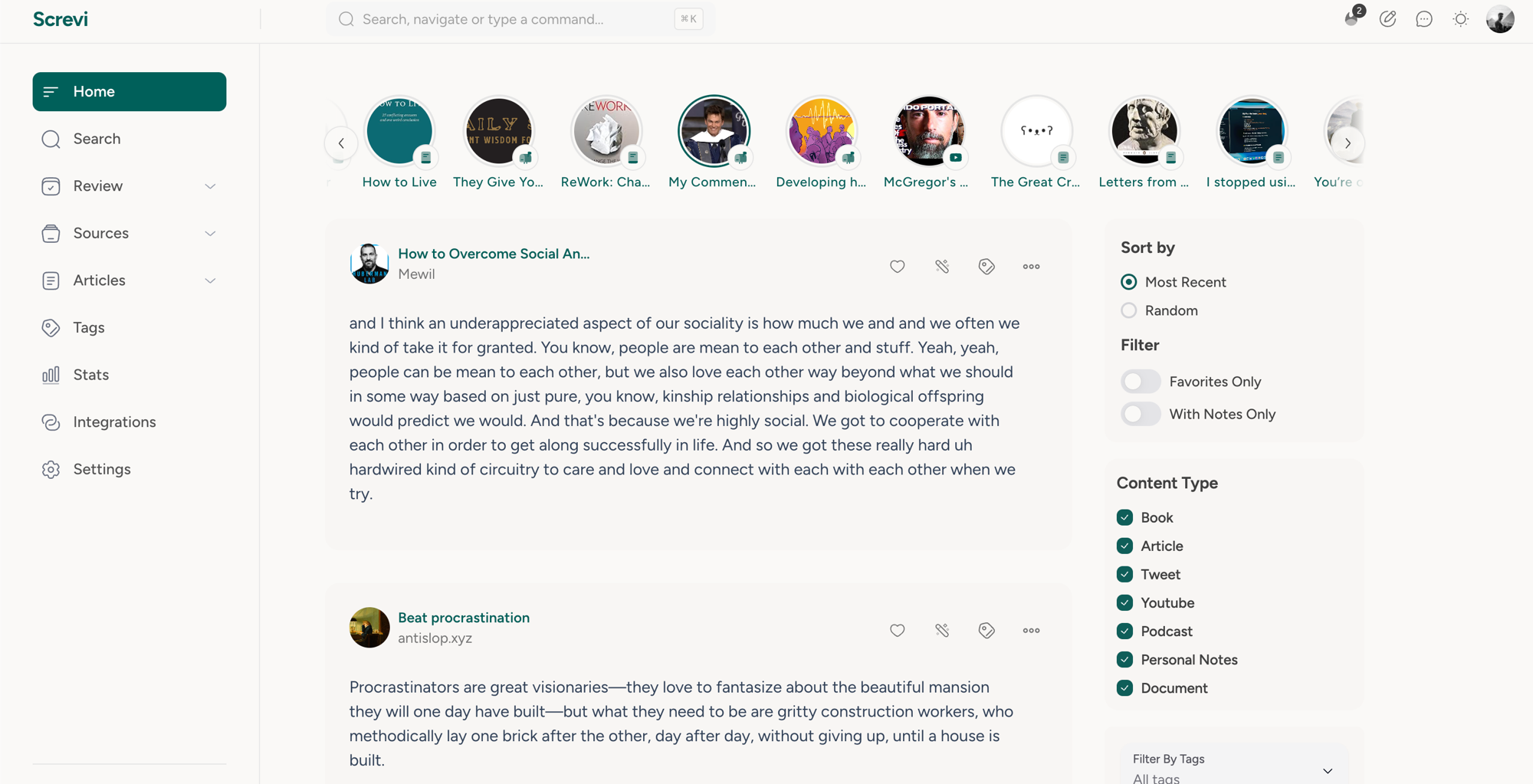
After importing, check your long quotes in Screvi. Search for one, and if it comes through empty or shows the clipping-limit message, you have hit the cap on that book. From there you can export the clean ones to Markdown, Obsidian, Notion, or Apple Notes, review them with spaced repetition, turn a book into a podcast, or connect Claude to your highlights.
For every way to view and export Kindle highlights, see the Kindle highlights guide.